

Set Access Policies Components
Access policies control maximum access length, business justification requirements, and approval workflows. Select or create an access policy- Select “Create policy” or select an existing access policy
- For any policy, set up or confirm that the following fits your needs.
- Policy Name: Descriptive name (e.g., “General Access”)
- Policy Description: What the policy covers
- Max Access Length: Indefinite or time-limited
- Require business justification: Toggle on/off. Serval will decide what is a reasonable business justification. You can adjust specifications around business justification in guidance.
- Require confirmation for requests made on behalf of others: Toggle on/off
- Require approval from: Add either an individual or a group of approvers. You may add multiple approver steps as well.
- Click “Save policy”
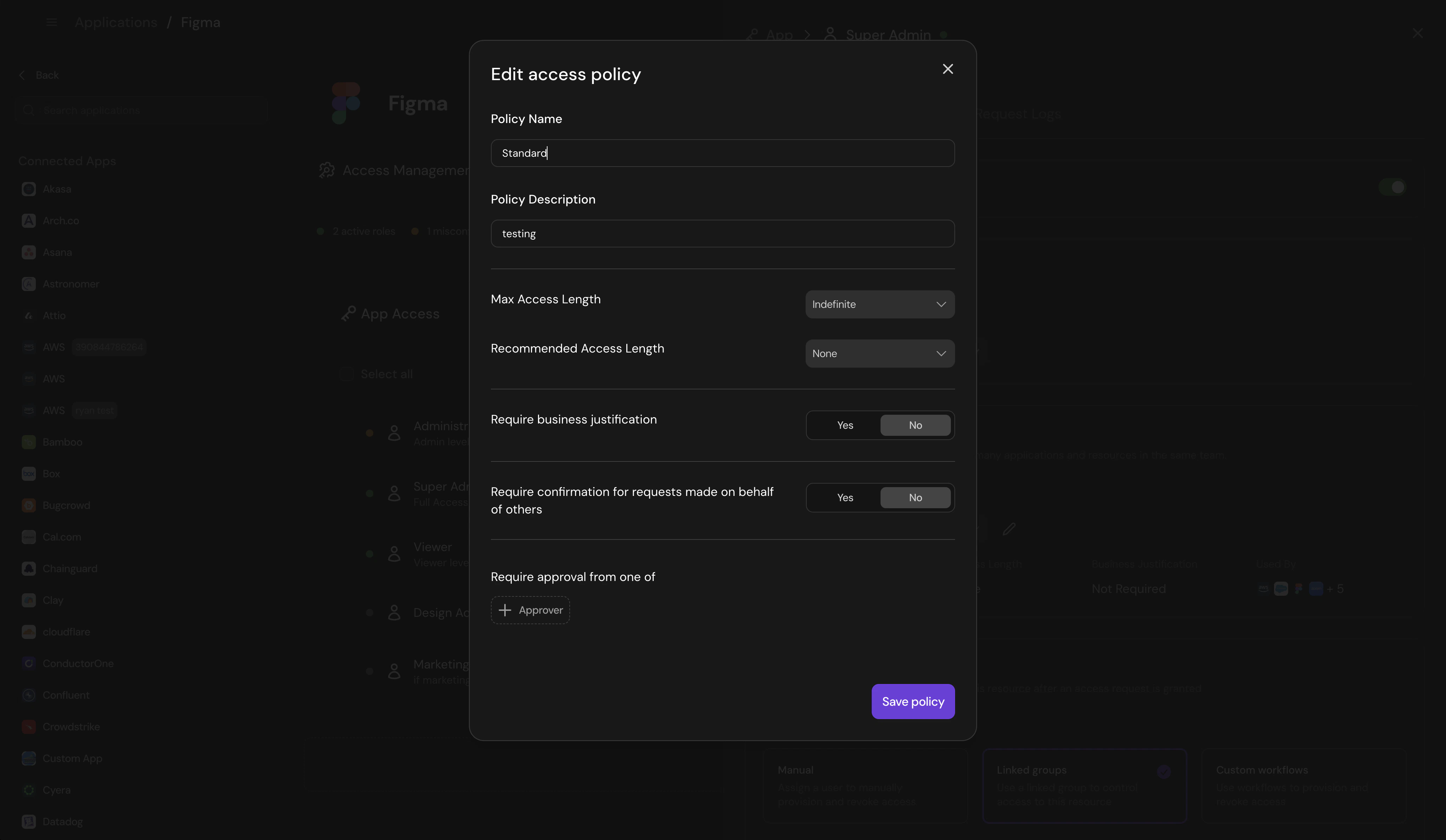
Create Access Policy
Managing access policies
To manage access policies, navigate to the relevant team —> click the ”…” on the right —> select “access policies” You can configure- default
- all other centralized access policies
- Add other roles that the policy should be applied to from this location