

Requesting Access
Users often don’t know the specific role they need. They may know they need Figma access, but not whether that’s “Editor,” “Admin,” or “Group Admin.” Serval converses with users to guide them to the right access level. Two explicit ways for users to request access- Natural language requests through a conversational portal (e.g., Slack, Teams, or any help desk portal). Users can make imperfect requests and Serval guides them to the correct type of access.
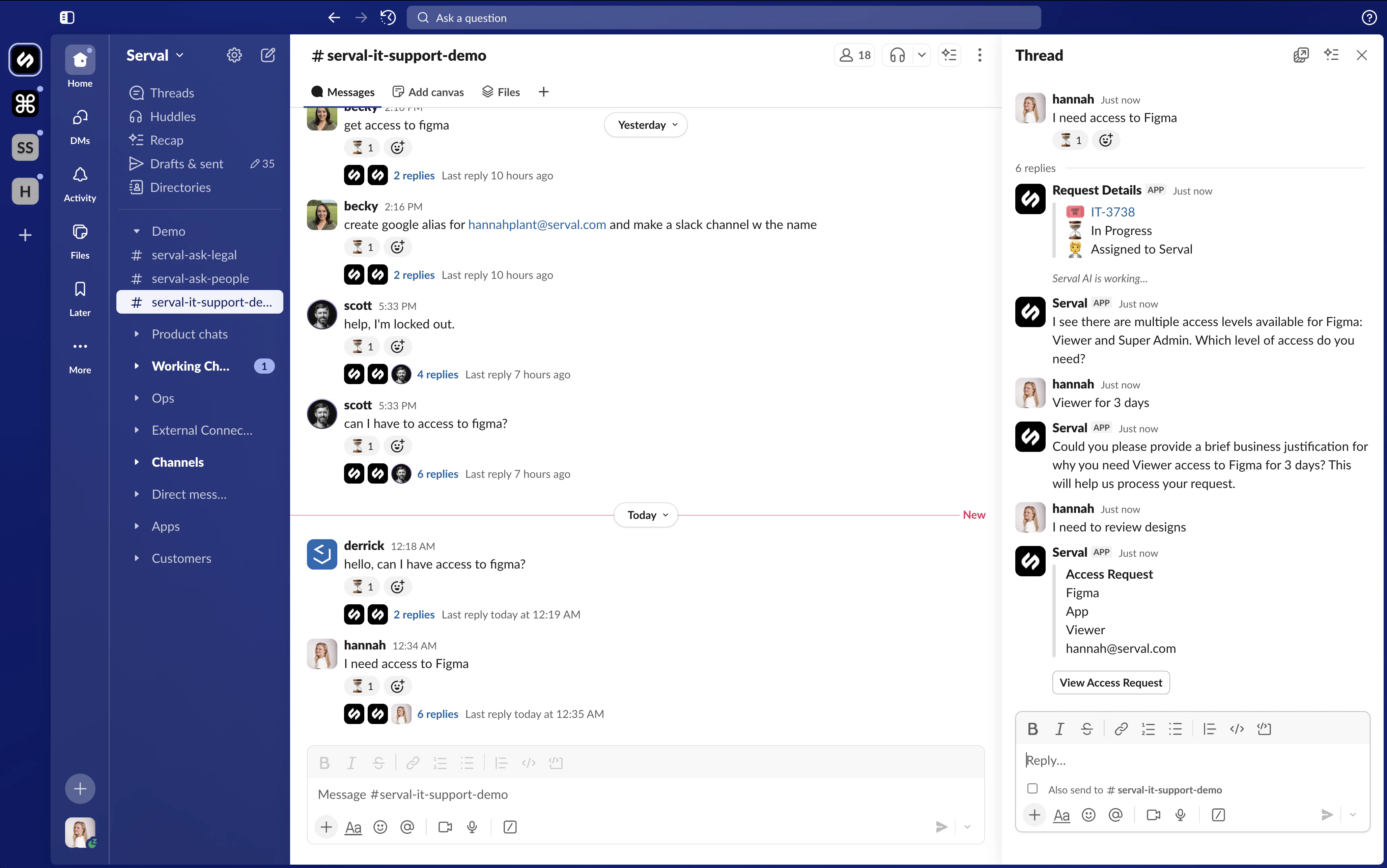
Request access via the help desk
- In app.serval.com: Access > Select an app > Select access type > Click “Request” > Provide details > Click “Request access”
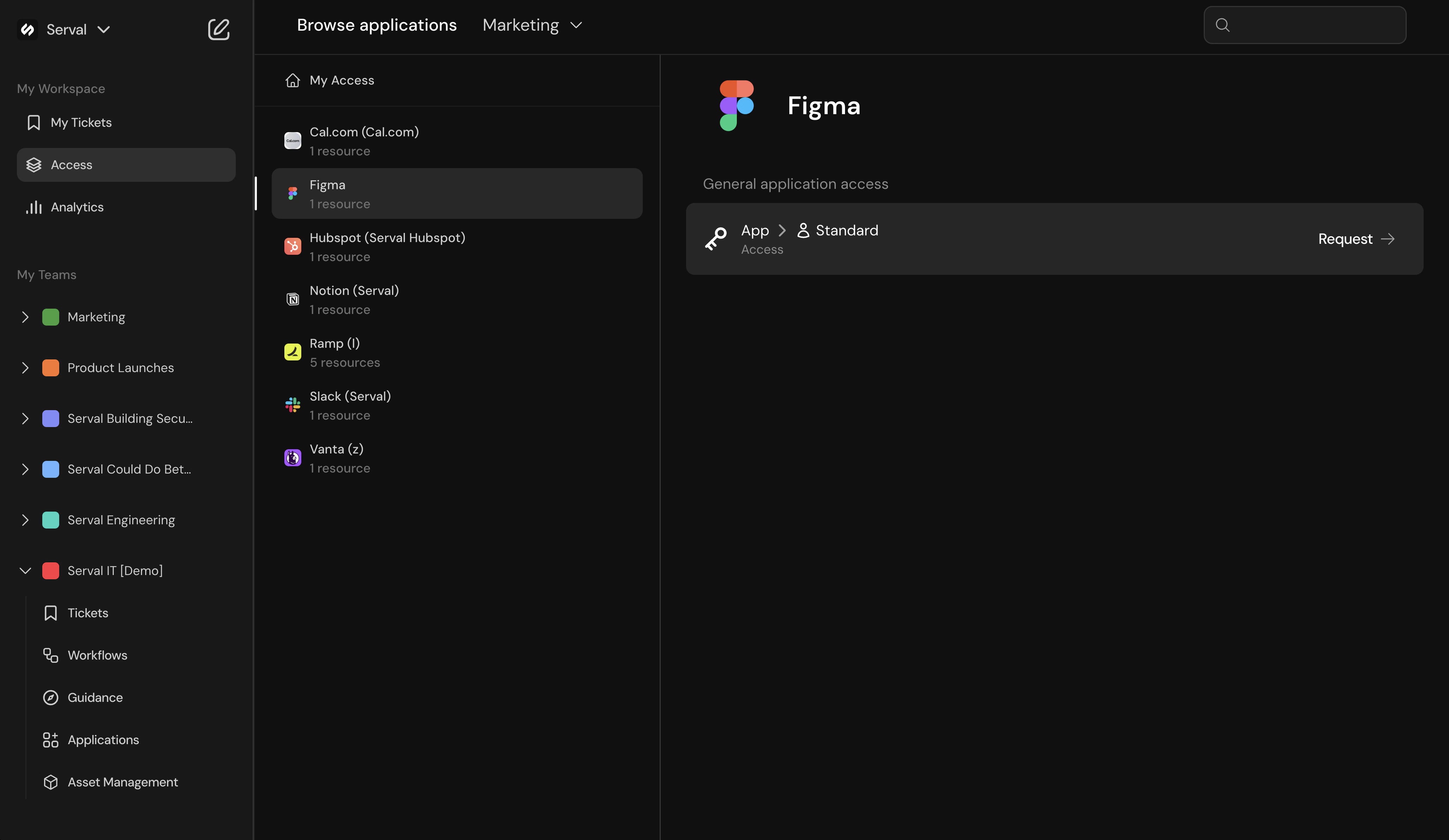
Request access in app.serval.com